

Learn with the real product
Remapdb tutorials and demos
From your first vehicle lookup to a setup that fits your business. Follow a full tutorial, jump to the step you need, or explore a quick demonstration.
13 tutorials · Chapters and transcripts · Most take 2–5 minutes
Step-by-step tutorials
Install and launch
 2:46
Install the tuning widget on your website
Allow your website, paste your account’s embed code, and test vehicle search and quote requests.
Watch tutorial 3:26
Install the Remapdb WordPress plugin
Install the WordPress plugin, connect your Remapdb account, add the shortcode, and check the published widget.
Watch tutorial 3:01
Check your widget before launch
Check website access, vehicle links, quote delivery, and service rates before sharing your published tuning widget.
Watch tutorialStep-by-step tutorials
Configure your widget
 4:21
Configure your widget language and display
Set languages, vehicle details, units, metadata, and shareable vehicle links, then check the result on your website.
Watch tutorial 3:56
Set up quote forms and customer emails
Configure the quote form and customer acknowledgement, then follow an enquiry from vehicle selection to both emails.
Watch tutorial 2:21
Set your services and customer estimates
Choose available tuning services, enter your rates and currency, and check the customer’s estimate and price breakdown.
Watch tutorial 3:57
Match your widget to your website
Adjust the widget’s colors, fonts, forms, charts, and sizes, then review the saved design across vehicle results and quoting.
Watch tutorialStep-by-step tutorials
Extend your setup
 3:14
Manage dealers and publish your locator
Add and update branches, check dealer selection in quoting, and publish the standalone locator with the WordPress shortcode.
Watch tutorial 3:23
Build a custom tuning widget with the API
Follow a remap database API workflow: server credentials, vehicle lookup, engine JSON, and a custom website interface.
Watch tutorial 5:09
Customize your vehicle tuning database
Edit your account catalog, add vehicles and tuning stages, manage equipment, and review visibility and duplicate records.
Watch tutorialStep-by-step tutorials
Help and account
 2:42
Request help styling your widget
Prepare a useful styling brief, request assistance, and see how supplied custom CSS is applied to the widget and quote form.
Watch tutorial 2:41
Get the right Remapdb support
Choose a support route, include the website and useful evidence, and submit an assistance request with the right context.
Watch tutorial 3:07
Manage your account and subscription
Update account details and security, review a subscription change, and find payment settings and downloadable invoices.
Watch tutorialA quick look
See the product in action
Explore the short demonstrations used across our feature pages. For the full setup, choose a tutorial above.
Quick demo · 0:14
Install a tuning widget on your website
Add the Remapdb vehicle lookup widget with embed code. Show reference tuning gains on your own website; your business provides the tuning service.
Explore the feature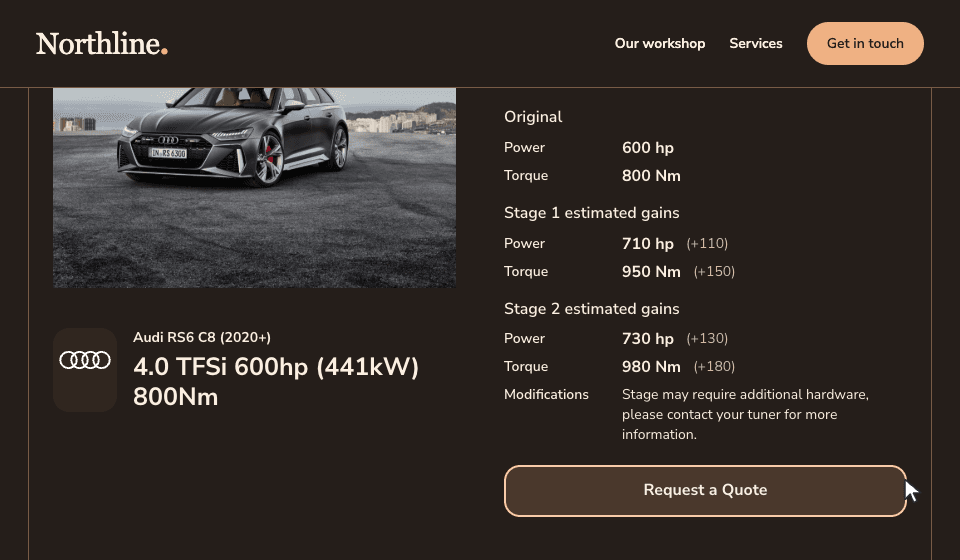
Quick demo · 0:14
Add an ECU remap widget to WordPress
Use the Remapdb WordPress plugin and shortcode to display vehicle data and reference tuning gains. The plugin connects the hosted widget to your site.
Explore the feature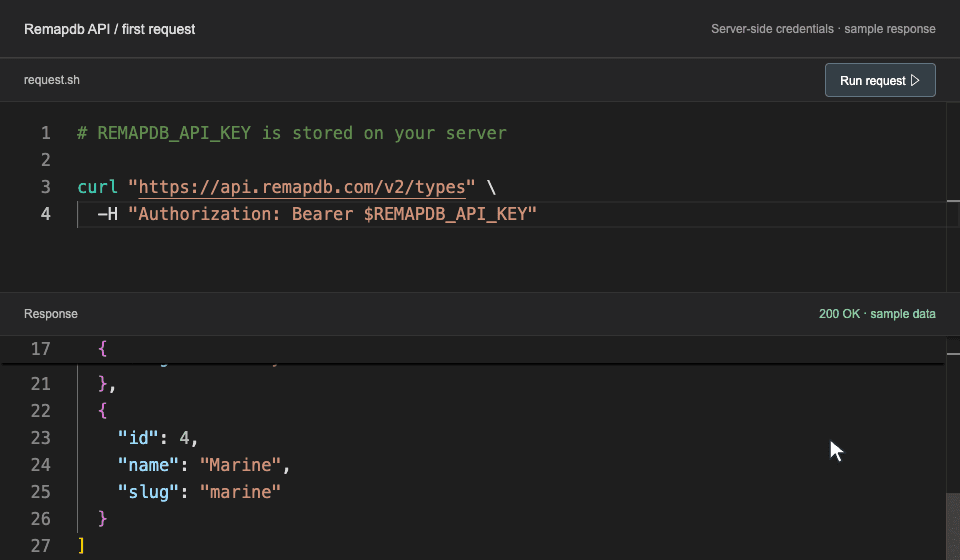
Quick demo · 0:14
Remap database API: authenticate and request data
Follow a Remapdb API v2 request for vehicle types. See server-side authentication and an example JSON response for a vehicle-data integration.
Explore the feature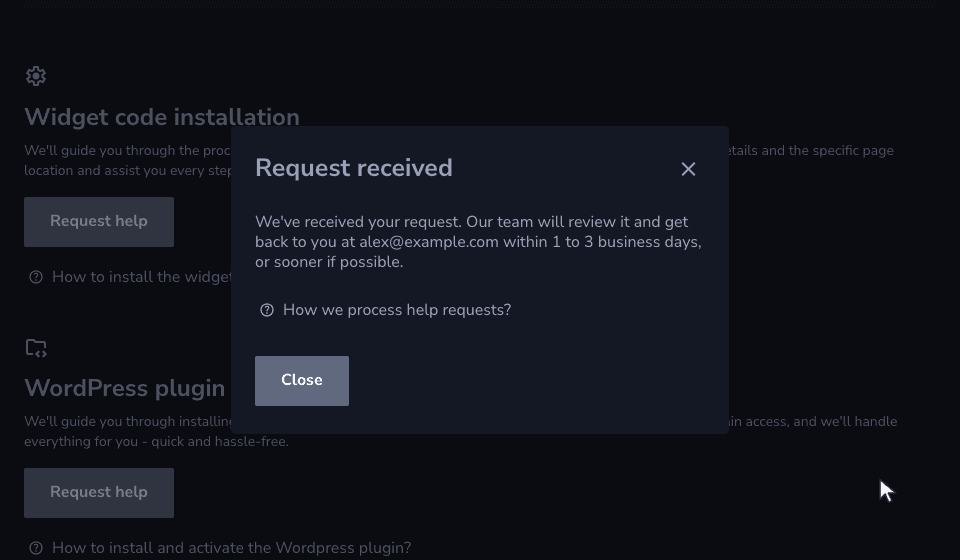
Quick demo · 0:14
Request help installing your tuning widget
See how to request Remapdb widget installation help from your account, including the website address, task details and confirmation.
Explore the feature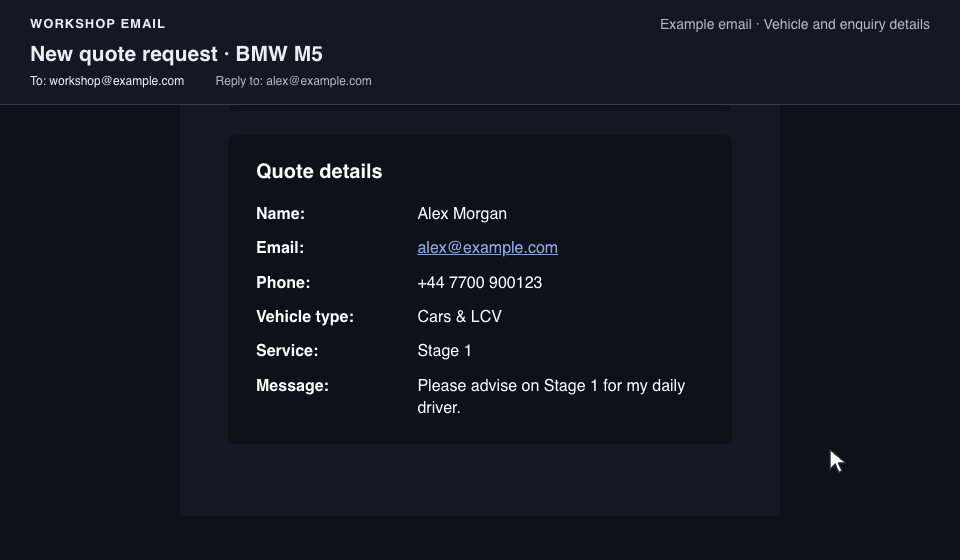
Quick demo · 0:36
Vehicle lookup widget: from search to quote request
Follow a Remapdb vehicle lookup, reference gains and tuning quote request, with example customer and workshop emails.
Watch quick demo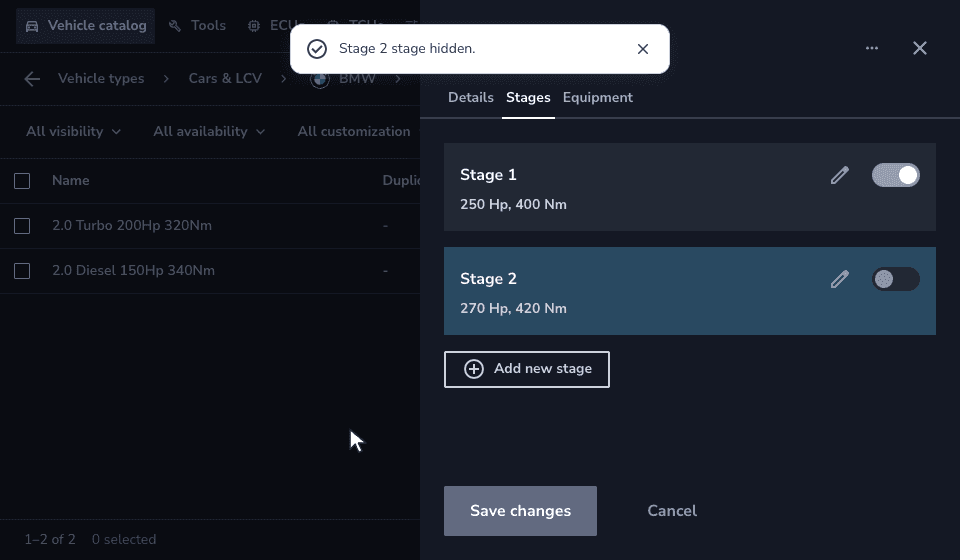
Quick demo · 0:14
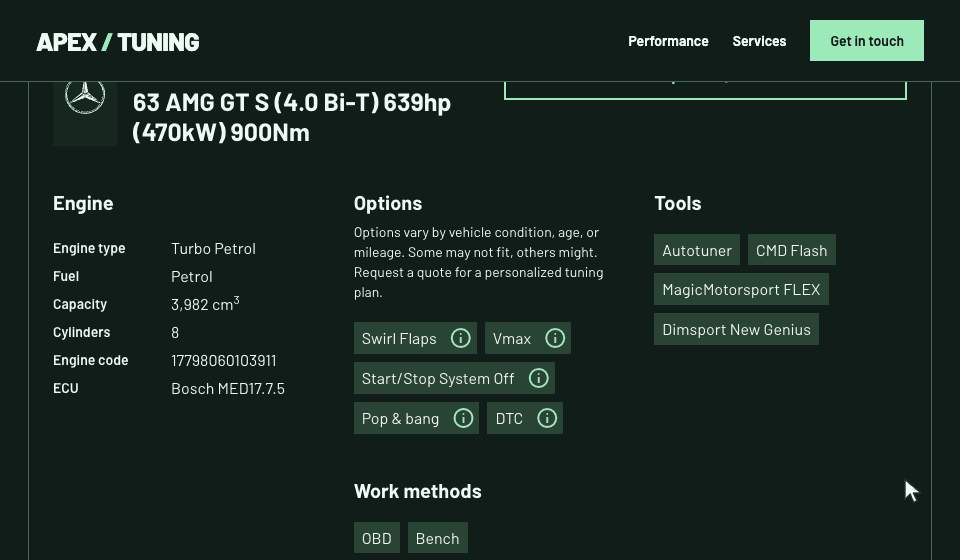
Customize the tuning figures shown in your widget
Edit displayed power and torque values and control stage visibility in your Remapdb tuning database. Catalog editing is available on Pro and Max.
Explore the feature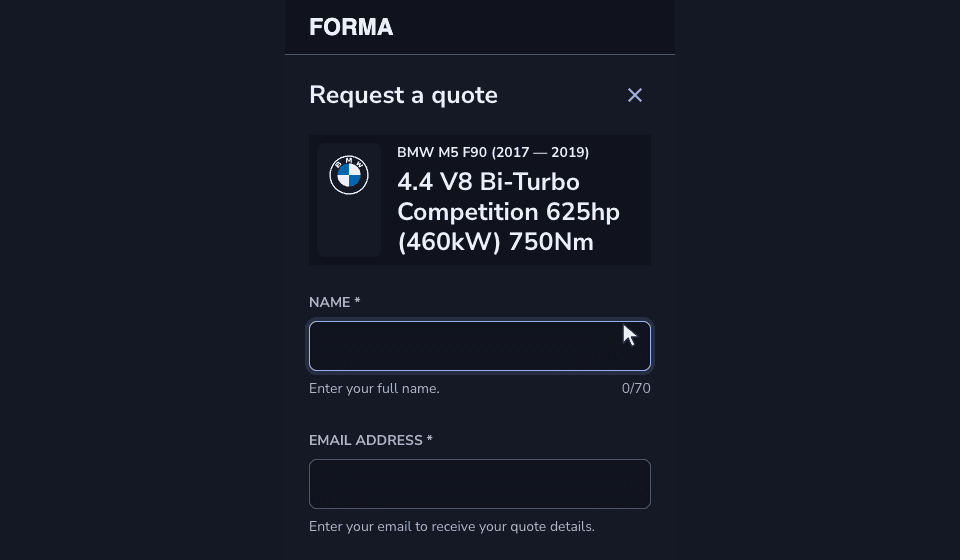
Quick demo · 0:48
Style your tuning widget and quote form
Compare Remapdb tuning widget and quote-form styling across three example websites, including a mobile layout. Branding options depend on your plan.
Explore the feature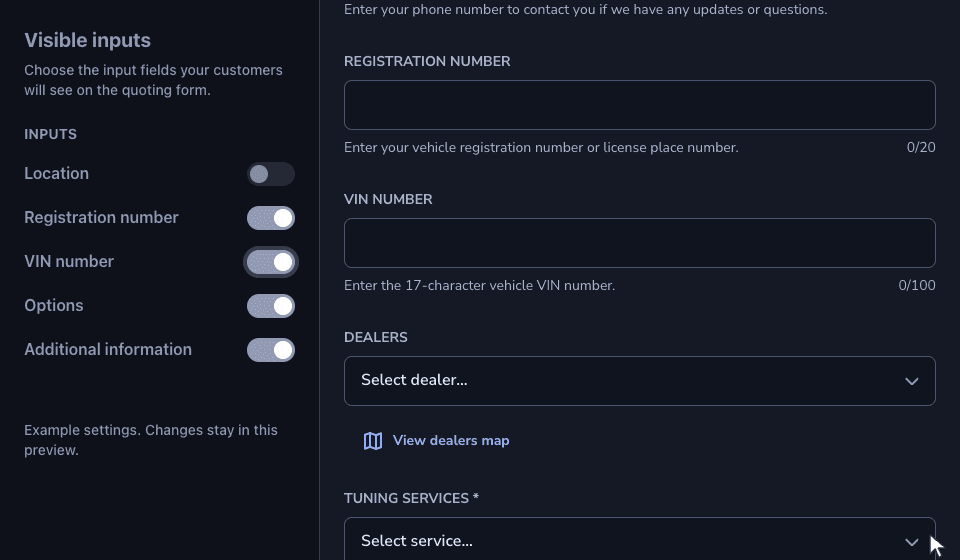
Quick demo · 0:14
Configure your tuning quote form fields
Choose which details a Remapdb quote form collects. See registration and VIN fields appear for customers to complete; these fields do not decode a vehicle.
Explore the feature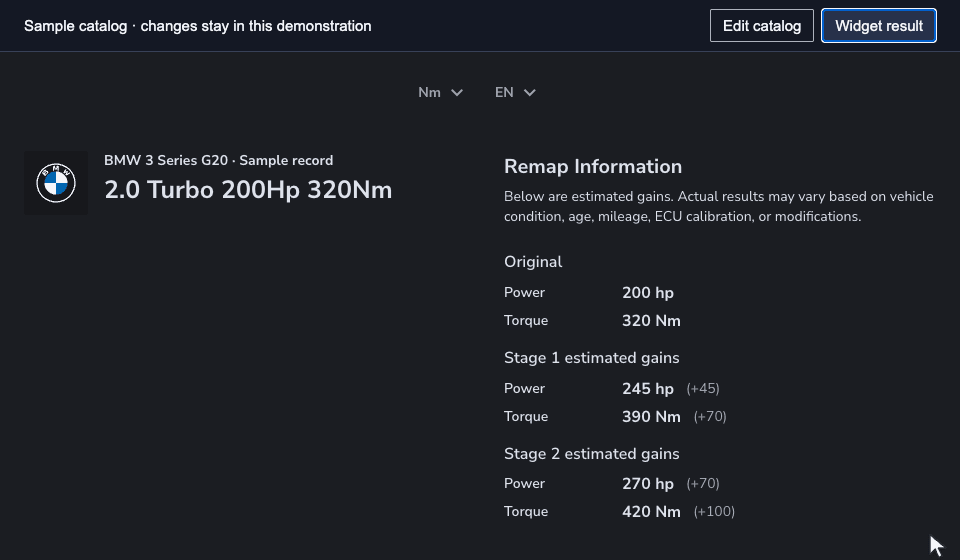
Quick demo · 0:14
Edit and restore your vehicle tuning database values
Edit sample tuning data, preview it in the Remapdb widget and restore the shared values. Your changes affect your account catalog.
Watch quick demo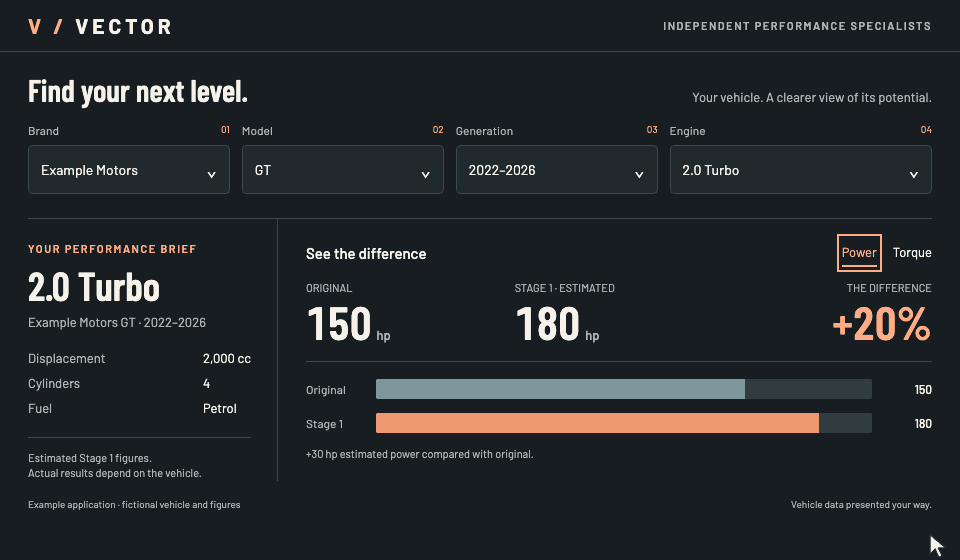
Quick demo · 0:14
Build a vehicle finder with the Remapdb API
See a custom vehicle finder using Remapdb API example data. Your developers build the interface; Remapdb supplies vehicle records and reference gains.
Watch quick demo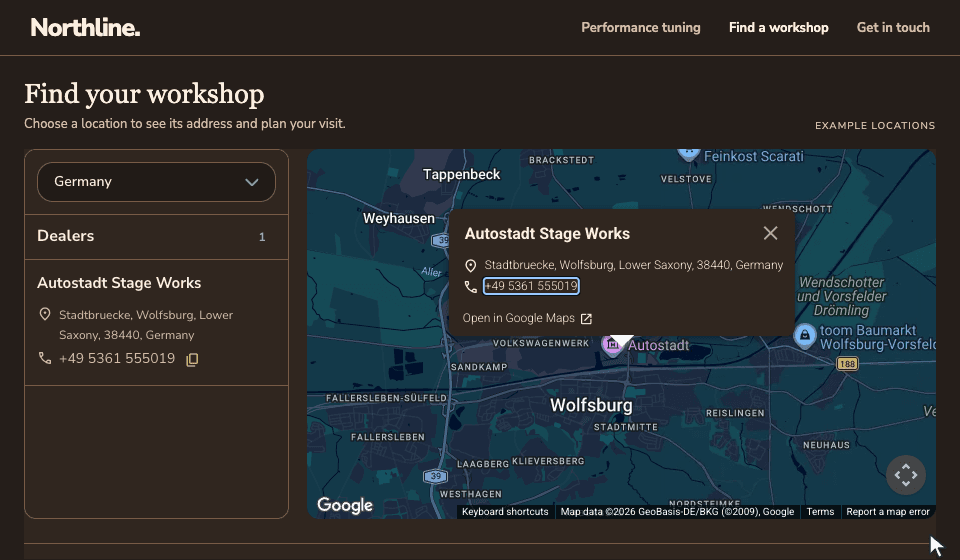
Quick demo · 0:14
Add a dealer locator to your tuning website
Show your saved workshops with the Remapdb dealer locator. Filter locations by country and open addresses and directions on Pro or Max.
Explore the featureYour next step
Put the walkthrough into practice
Start with the free widget, or compare plans for your website and application.